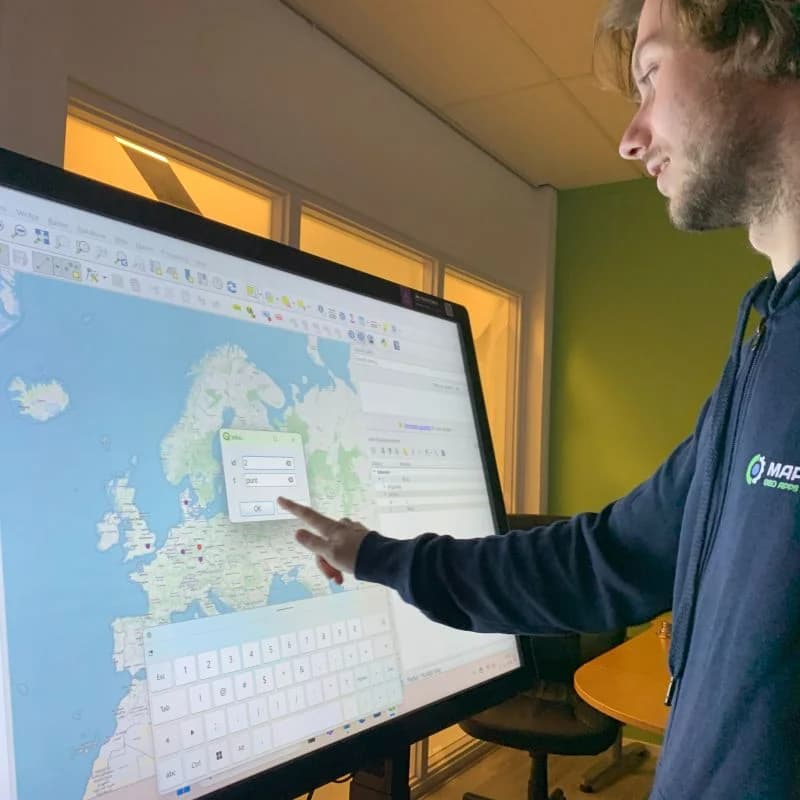
TouchTable as Digital Map Table
Transform your GIS data into interactive, visual experiences. Collaborate on maps, analyze spatial data and make better decisions with the Digital Mapping Table. Discover TouchTable as the ultimate maptable solution.
Gebruikt door o.a.



Digital map table for modern collaboration
The Digital Mapping Table combines a large multi-touch screen with powerful mapping software. With this, you transform every discussion about GIS data or spatial plans into a visual and interactive conversation where everyone can participate.

What is GeoApps?
GeoApps is a powerful GIS platform specifically developed for professional spatial analysis and map visualizations. The platform offers advanced tools for processing, analyzing and presenting geographic data in an intuitive interface.
With GeoApps, users can transform complex spatial data into clear, interactive maps and dashboards. The platform supports real-time data integration, advanced analytics and collaborative workflows, making it perfectly suited for use on the TouchTable Digital Mapping Table.
Visit geoapps.nlBenefits of digital map tables
Municipalities & provinces
for spatial planning and area development.
Consultancy firms & engineers
for GIS analysis and project presentations.
Contractors & developers
to involve stakeholders in plans.
Direct interaction at the table
Analyze and discuss GIS data in teams.
Visual & intuitive
Make complex data understandable with interactive maps.
Collaboration
Work simultaneously on the same map and data.
Faster decision-making
Relevant information directly available and discussable.
Better insights
Complex spatial data becomes visual and understandable.
More support
Involve all stakeholders for plans with more acceptance.
Formats and Types
Choose from different formats and types for your specific GIS applications and mapping needs.
Available Formats
Standard Format
Perfect for permanent installations and intensive use in offices and meeting rooms.
Configurable Format
Adjustable dimensions and specifications for specific GIS applications.
TouchTable Types
TouchTable Go
Mobile and flexible solution for GIS applications on location.
- Portable and mobile
- Quick setup and breakdown
- Ideal for field work
TouchTable Standard
Professional permanent installation for intensive GIS use.
- High resolution and performance
- Extensive GIS functionalities
- For professional use
Digital Map Table in Practice
See how the Digital Map Table is used for various GIS applications and spatial projects
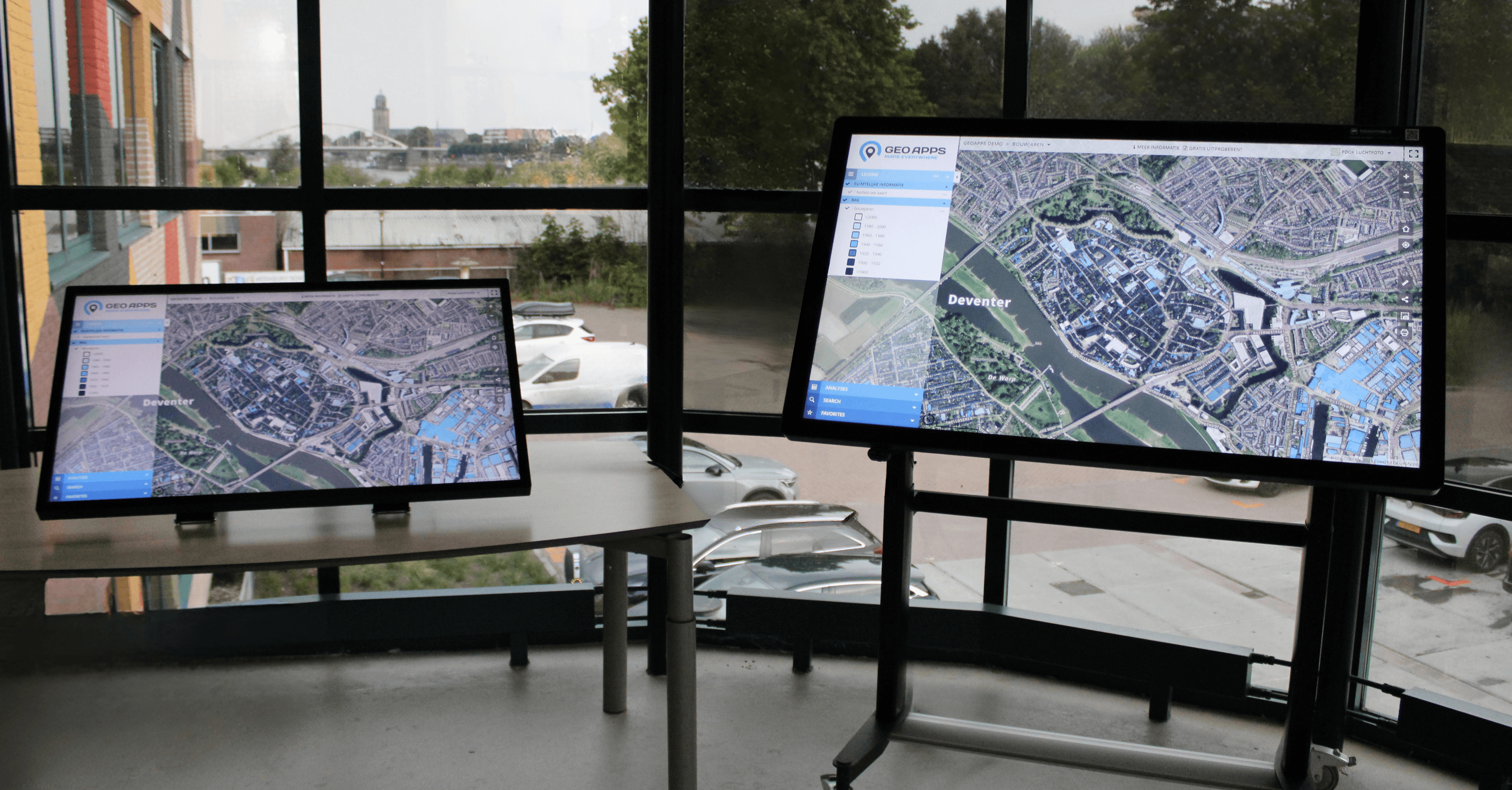
TouchTable in landscape format for GIS applications
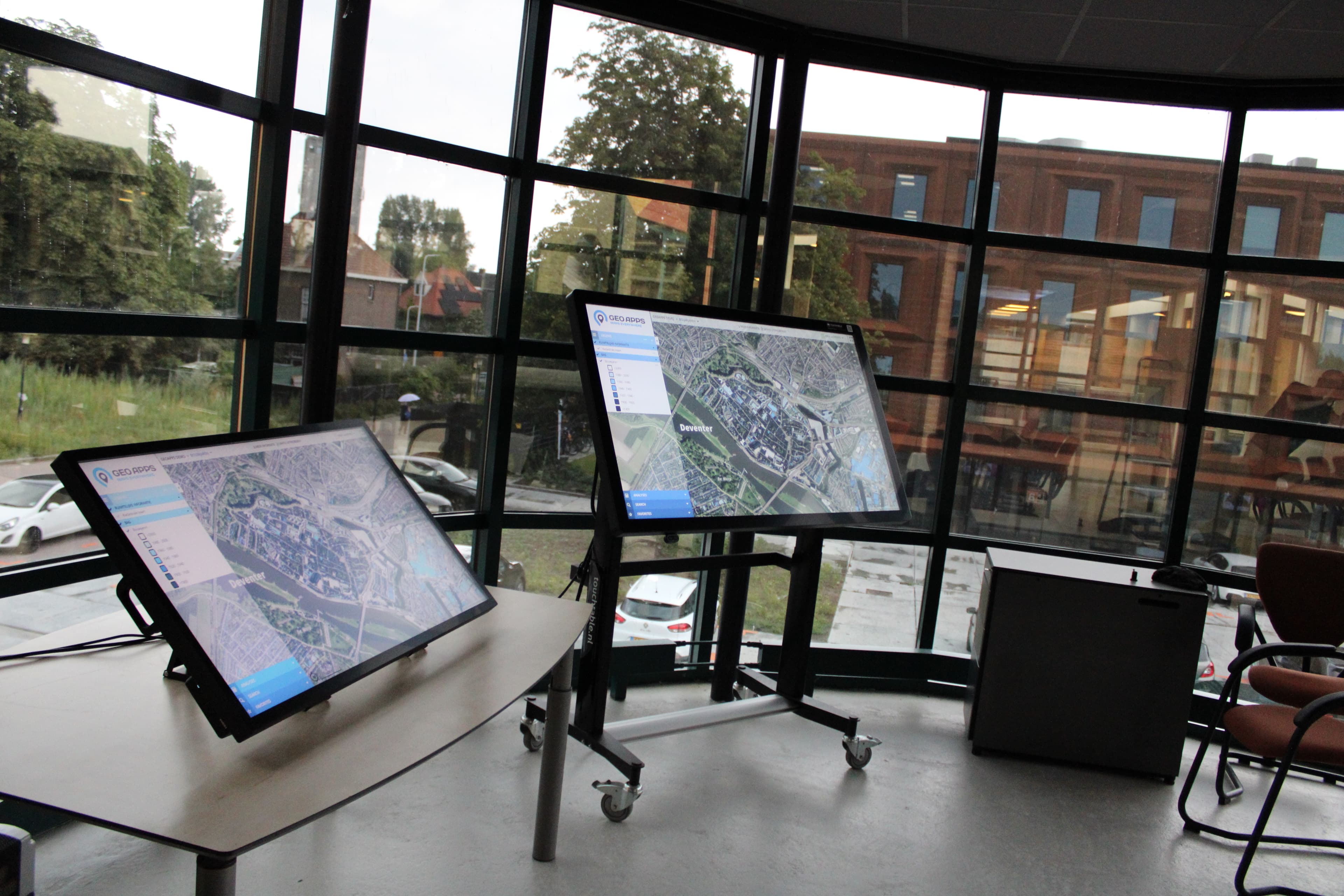
Interactive GIS session with the Digital Map Table
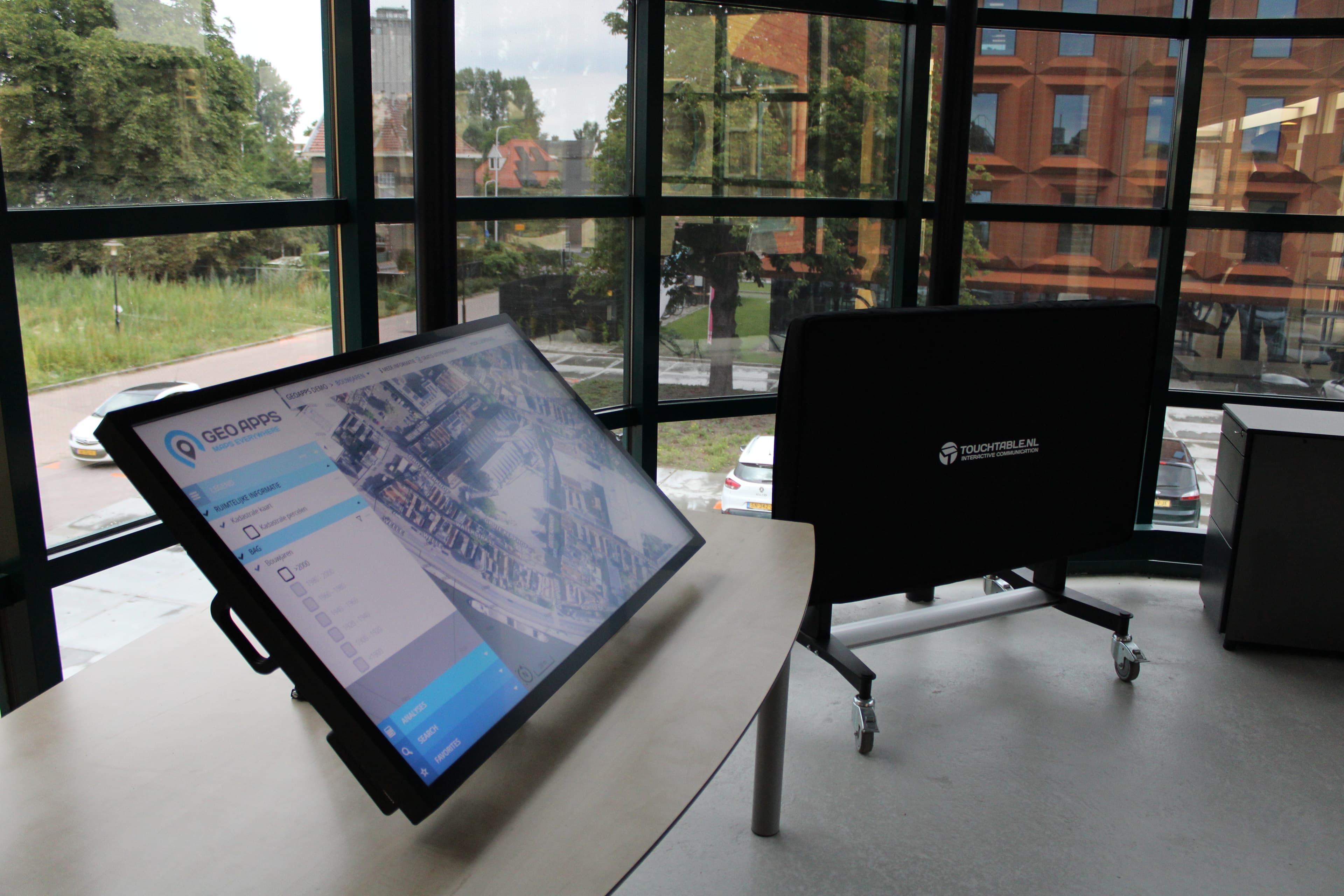
TouchTable Go and Standard for GIS applications
Applications and usage
Applications
- Spatial planning and area development
- GIS analysis and data visualization
- Stakeholder meetings and participation
- Project presentations and discussions
- Infrastructure planning and design
- Environmental impact analyses
Features
- Interactive map display with multiple layers
- Multi-touch support for multiple users
- Real-time annotation and marking
- Full integration with GIS software
- Export of session results
- 4K Ultra HD resolution for sharp details
Need more information?
Download our specsheet and brochure for all technical details and specifications.
Request demo
Discover how the Digital Map Table can accelerate your projects.
Support & Service
We help you make optimal use of your TouchTable.
Try & Buy Program
Demo at office or online
Schedule a no-obligation demonstration at our office or online via video call.
Rent before you buy
Test the TouchTable extensively by renting first. When purchasing within a week after rental, the rental price (of 1 day) is deducted from the purchase amount.
Personal advice
Contact us for questions and custom advice about the best TouchTable for your situation.
TouchTable in action
From trade shows to education, from crisis management to participation - discover how TouchTable is deployed.
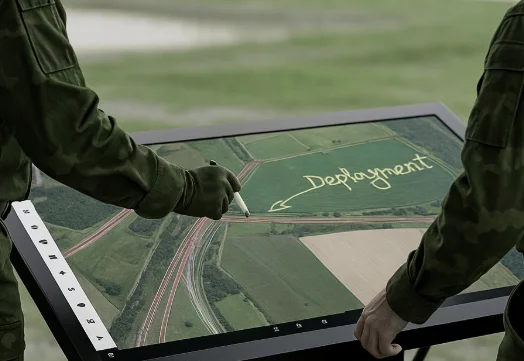
Crisis Management
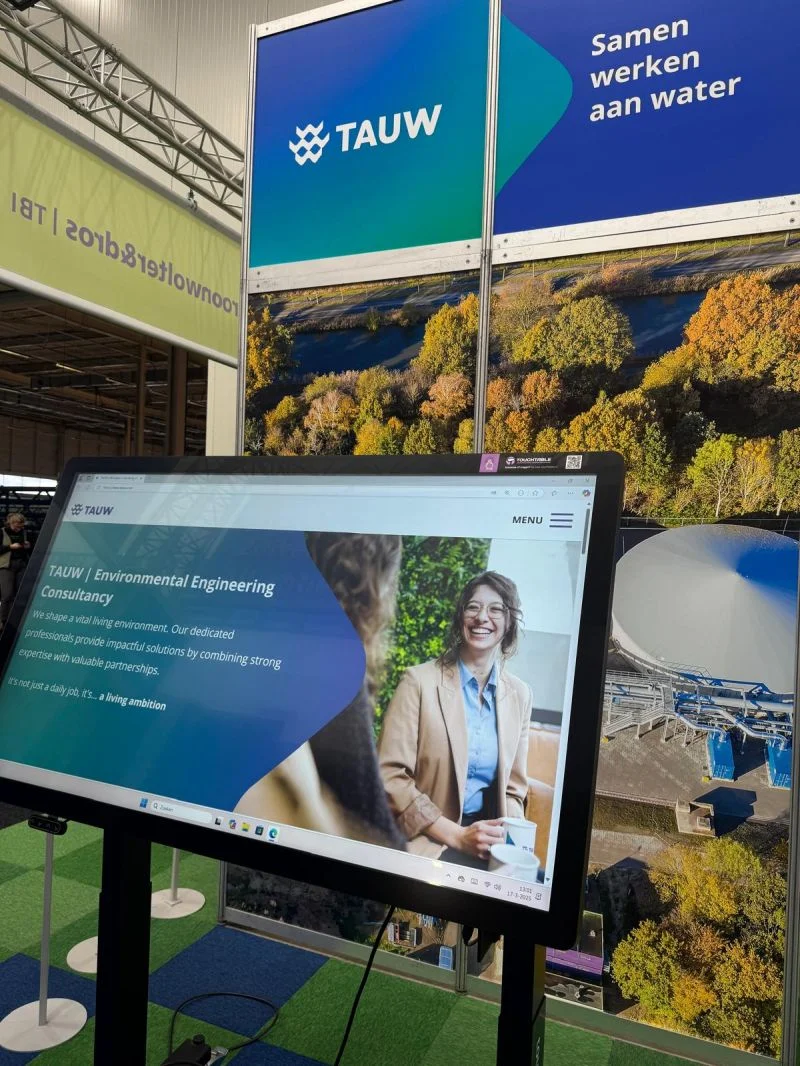
Education
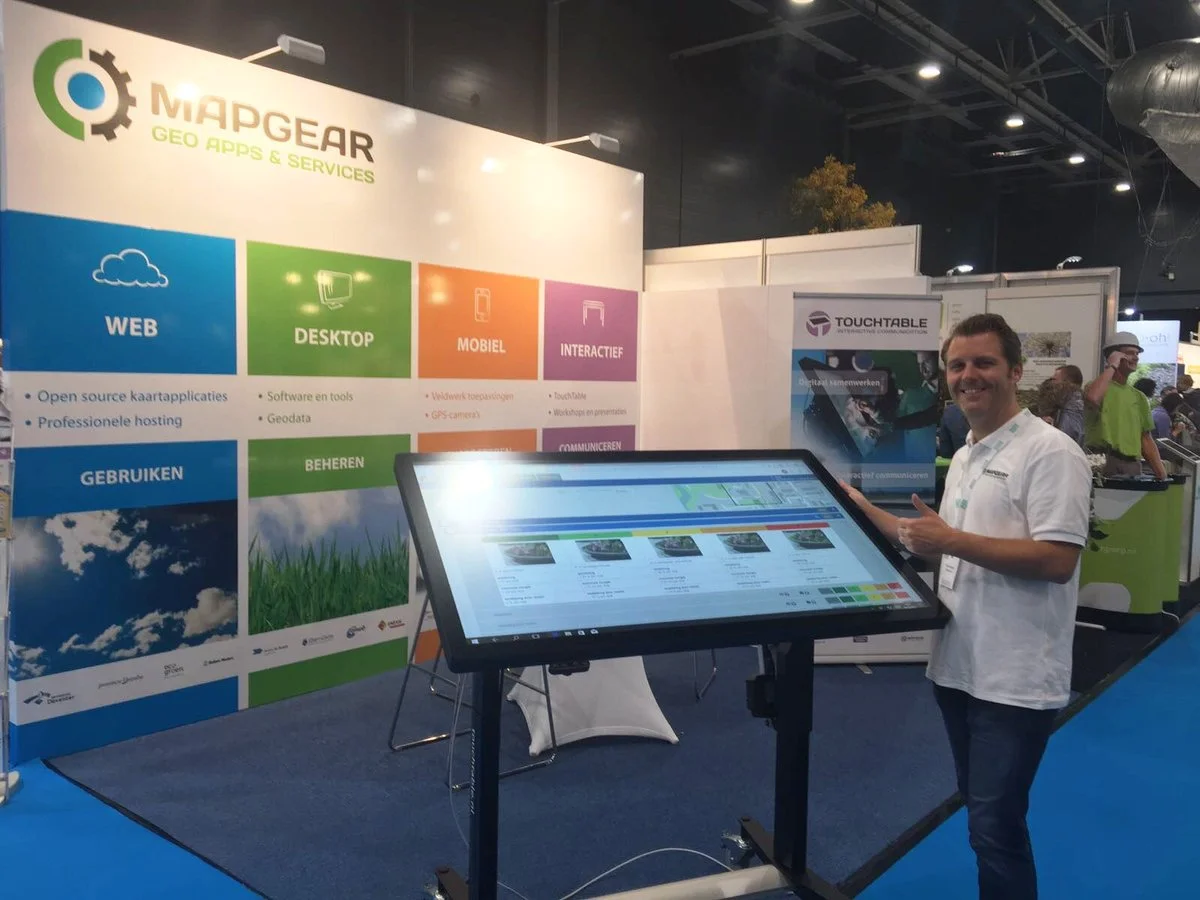
Trade Shows
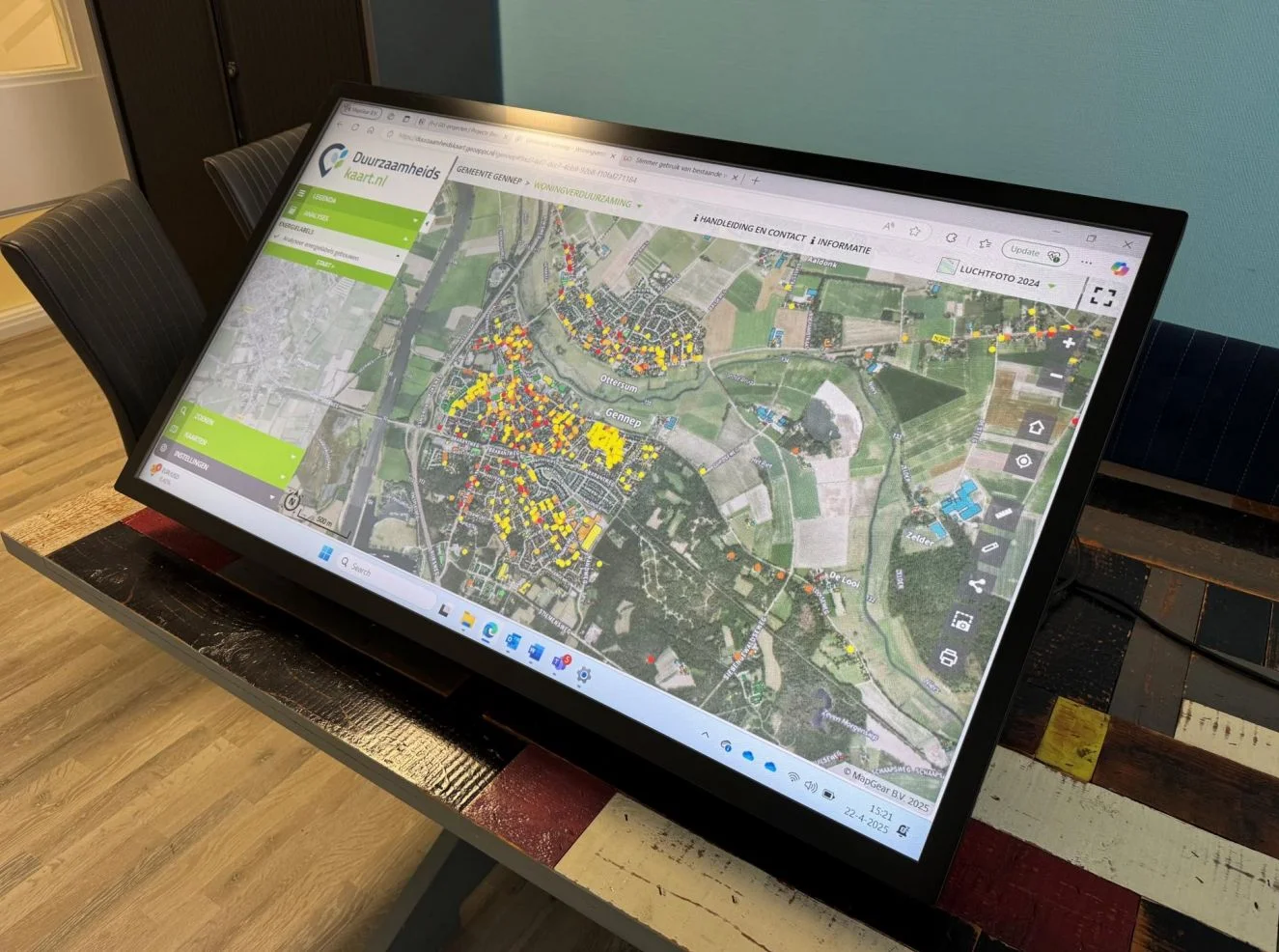
Sustainability
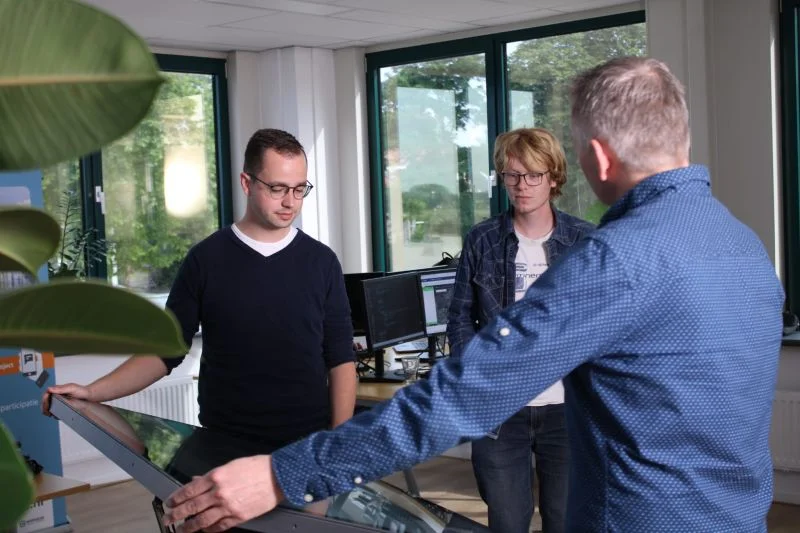
Office Environment
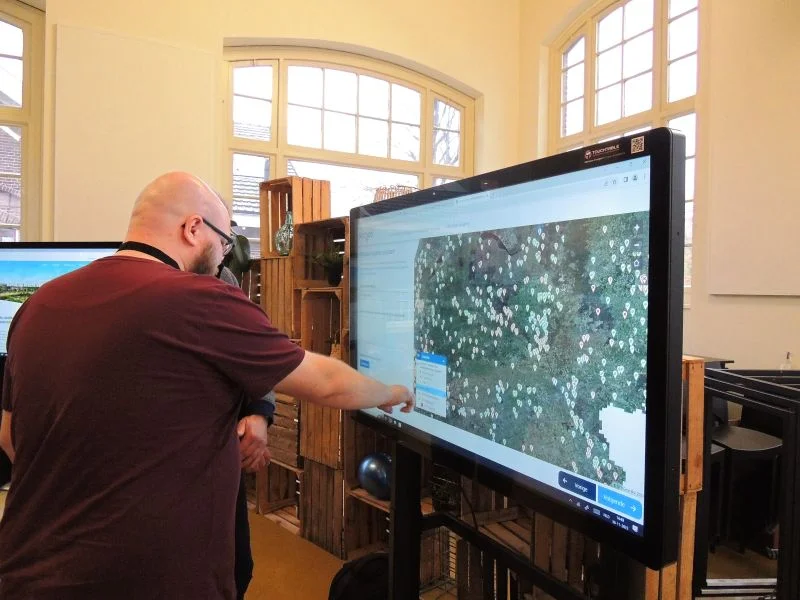
Map Visualization
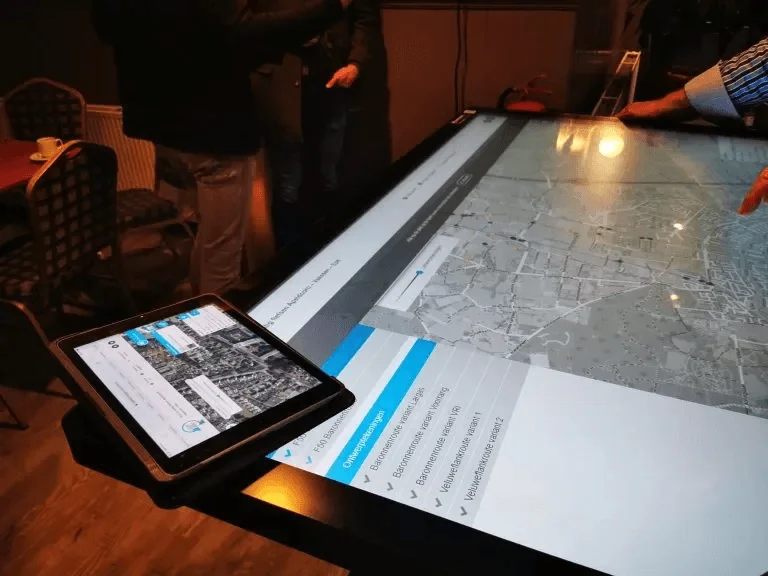
Participation
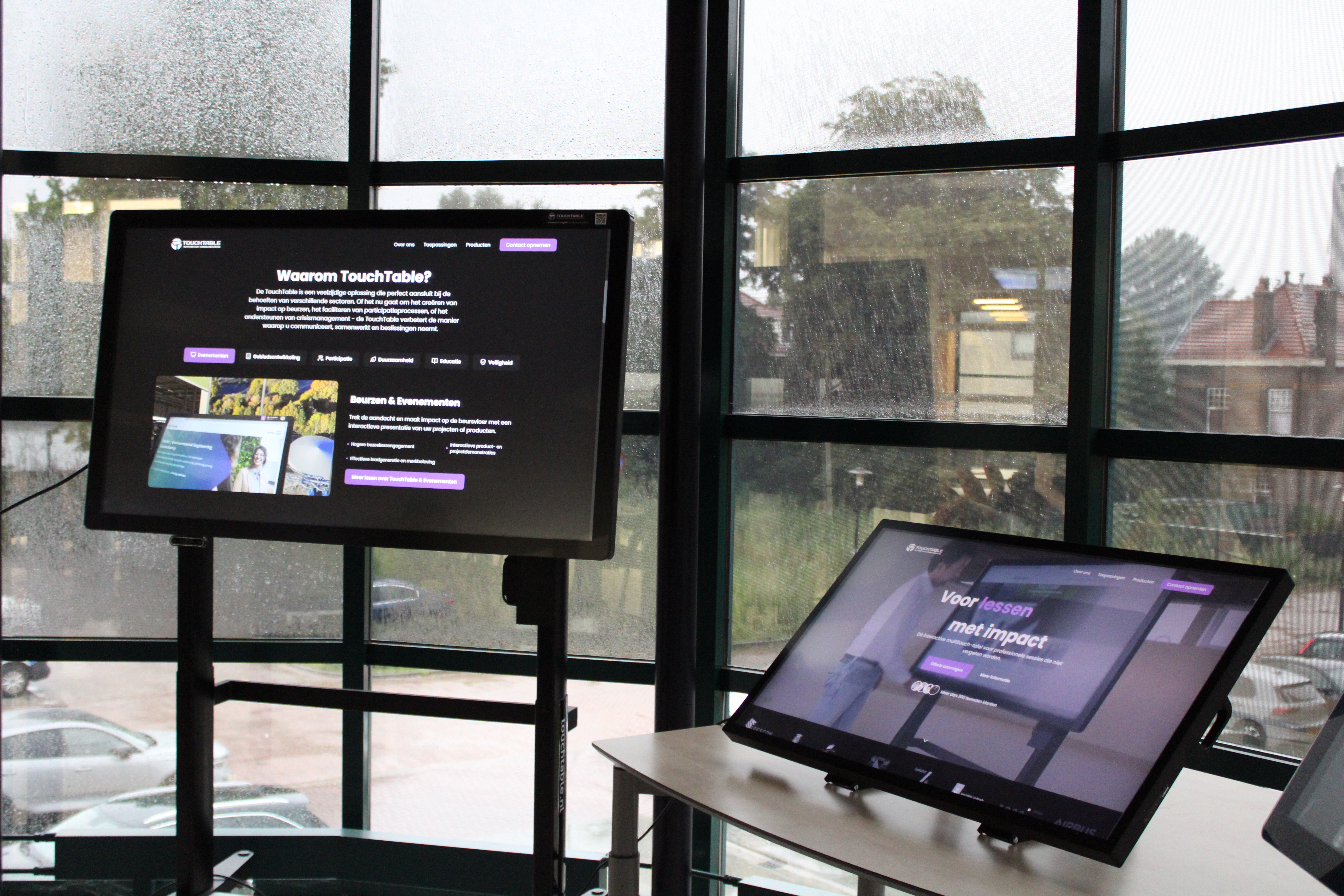
Events
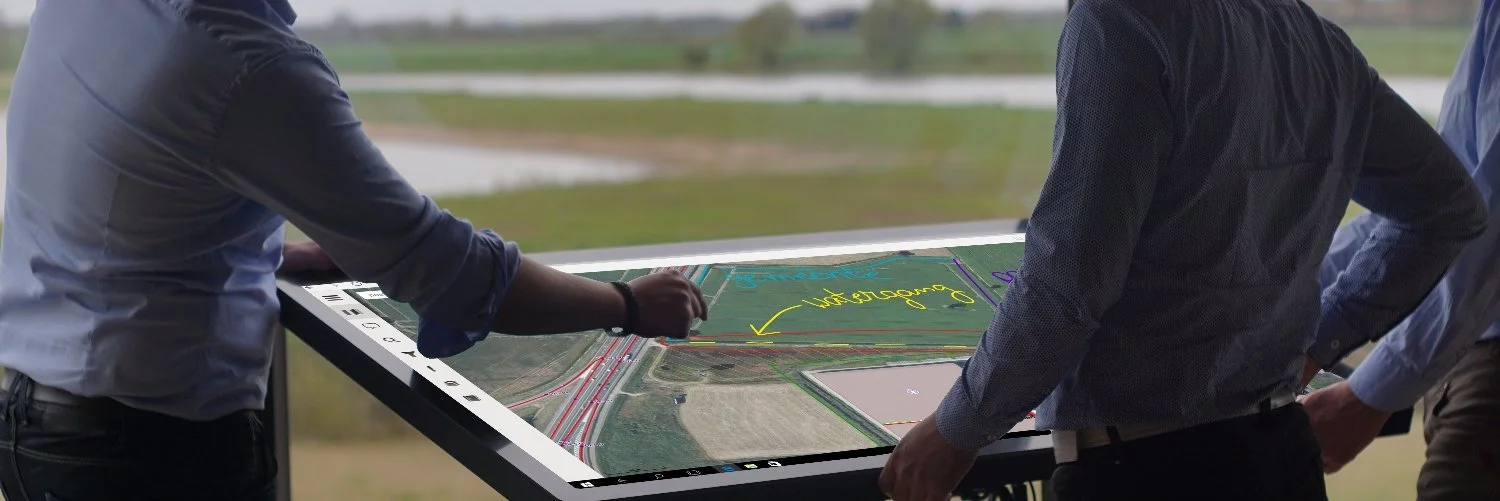
Spatial Planning
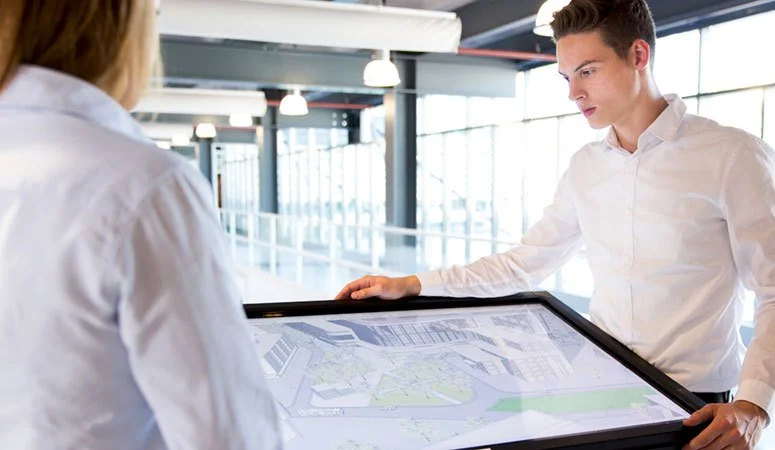
Presentations
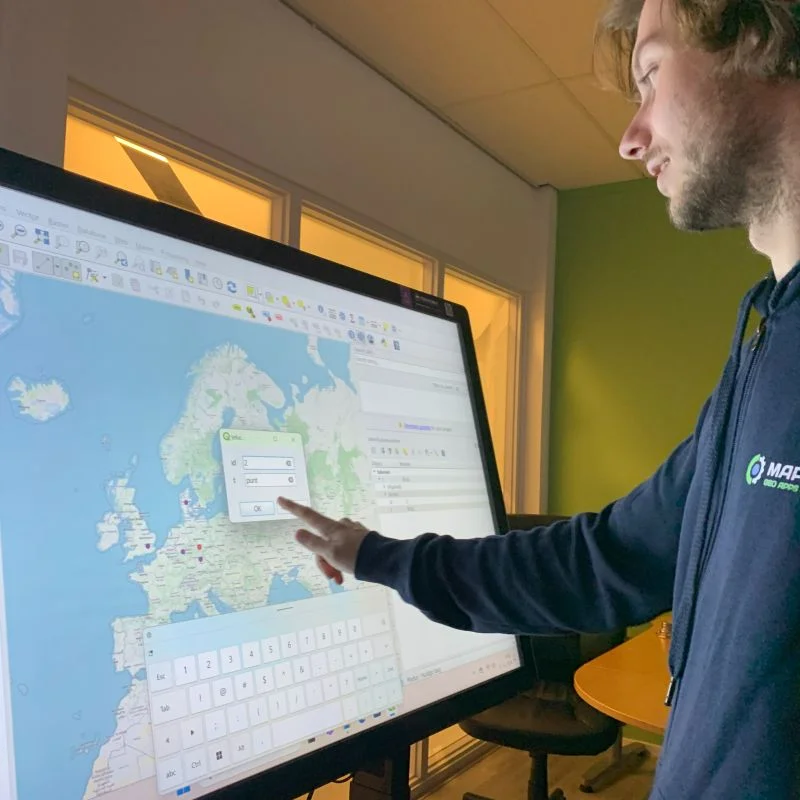
Digital Maps
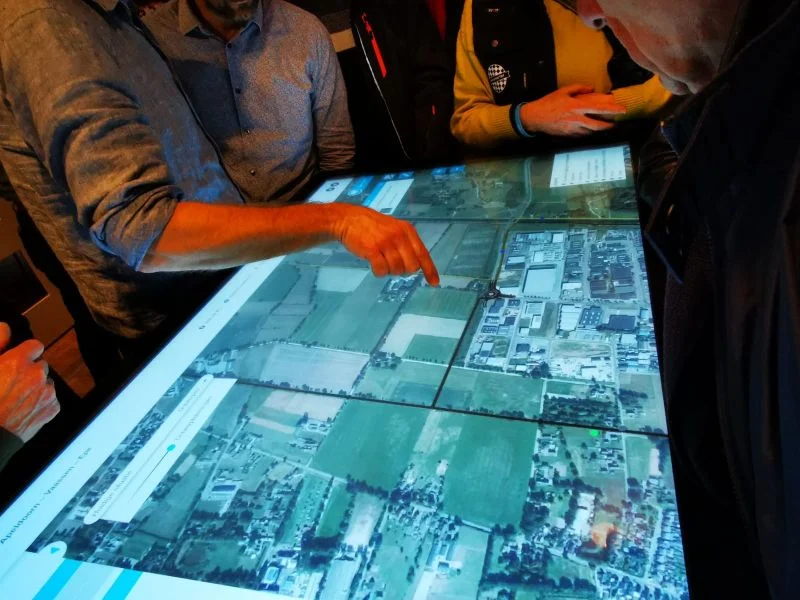
Collaboration
Ready to discover TouchTable?
Transform your presentations, meetings and collaboration with the power of interactive technology. Request a quote today or schedule a demonstration.
Request quote